


You can clone this repo and update your credentials to run locally.
CodeSandbox is a cloud development platform that enables instant, collaborative coding environments. It provides sandboxed environments for web development with support for modern frameworks, allowing teams to prototype, share, and iterate on code directly in the browser. Let’s walk through the process of getting a basic application running inside a CodeSandbox sandbox.
Why use CodeSandbox as your sandbox provider?
- CodeSandbox provides instant cloud development environments with support for modern frameworks.
- They offer collaborative features that make it easy for teams to prototype and share code.
- CodeSandbox’s browser-based development experience means minimal setup for your team.
Let’s see how we can easily run a basic Vite app inside of a CodeSandbox sandbox.
Let’s start by creating a new Next.js project
Run this command in your terminal:
npx create-next-app@latest codesandbox-basicYou can use all of the defaults when prompted.
Create an .env file
Once it has been created, be sure to create an .env file to add your necessary credentials to.
CSB_API_KEY=your_codesandbox_api_keyInstall ComputeSDK and the CodeSandbox provider
ComputeSDK ships as a small core package plus one package per provider, so you only install what you use.
npm install computesdk @computesdk/codesandboxCreate or log in to your CodeSandbox account
Create a CodeSandbox account or log in here.
Once you have created an account, you’ll need to get your CodeSandbox API key.
Go to your workspace settings and create an API key.
Save your API key in your .env file to the CSB_API_KEY variable.
CSB_API_KEY=your_codesandbox_api_keyNow we’ll move on to creating the actual sandbox logic
We need to create the API route to create the sandbox
Import the codesandbox factory from @computesdk/codesandbox and pass it your API key. compute.sandbox.create() provisions a sandbox on CodeSandbox.
// app/api/sandbox/route.ts
import { NextResponse } from 'next/server';
import { codesandbox } from '@computesdk/codesandbox';

const compute = codesandbox({
  apiKey: process.env.CSB_API_KEY,
});

export async function POST() {

  const sandbox = await compute.sandbox.create();

  return NextResponse.json({
    sandboxId: sandbox.sandboxId,
  });
}
Next, we’ll edit the page.tsx file
We’ll keep it simple and just add one button to run our sandbox test with.
Paste this code into Page.tsx
// app/page.tsx
'use client';

export default function Home() {
  const createSandbox = async () => {
    const res = await fetch('/api/sandbox', { method: 'POST' });
    const data = await res.json();
    console.log(data);
  };

  return (
    <div className="flex min-h-screen flex-col items-center justify-center p-24">
      <h1 className="mb-8 text-4xl font-bold">ComputeSDK Sandbox Test</h1>
      <button
        className="rounded bg-blue-500 px-4 py-2 font-bold text-white hover:bg-blue-700"
        type="button"
        onClick={createSandbox}
      >
        Create CodeSandbox sandbox
      </button>
    </div>
  );
}
Now, our first test
Click the button on the main page.
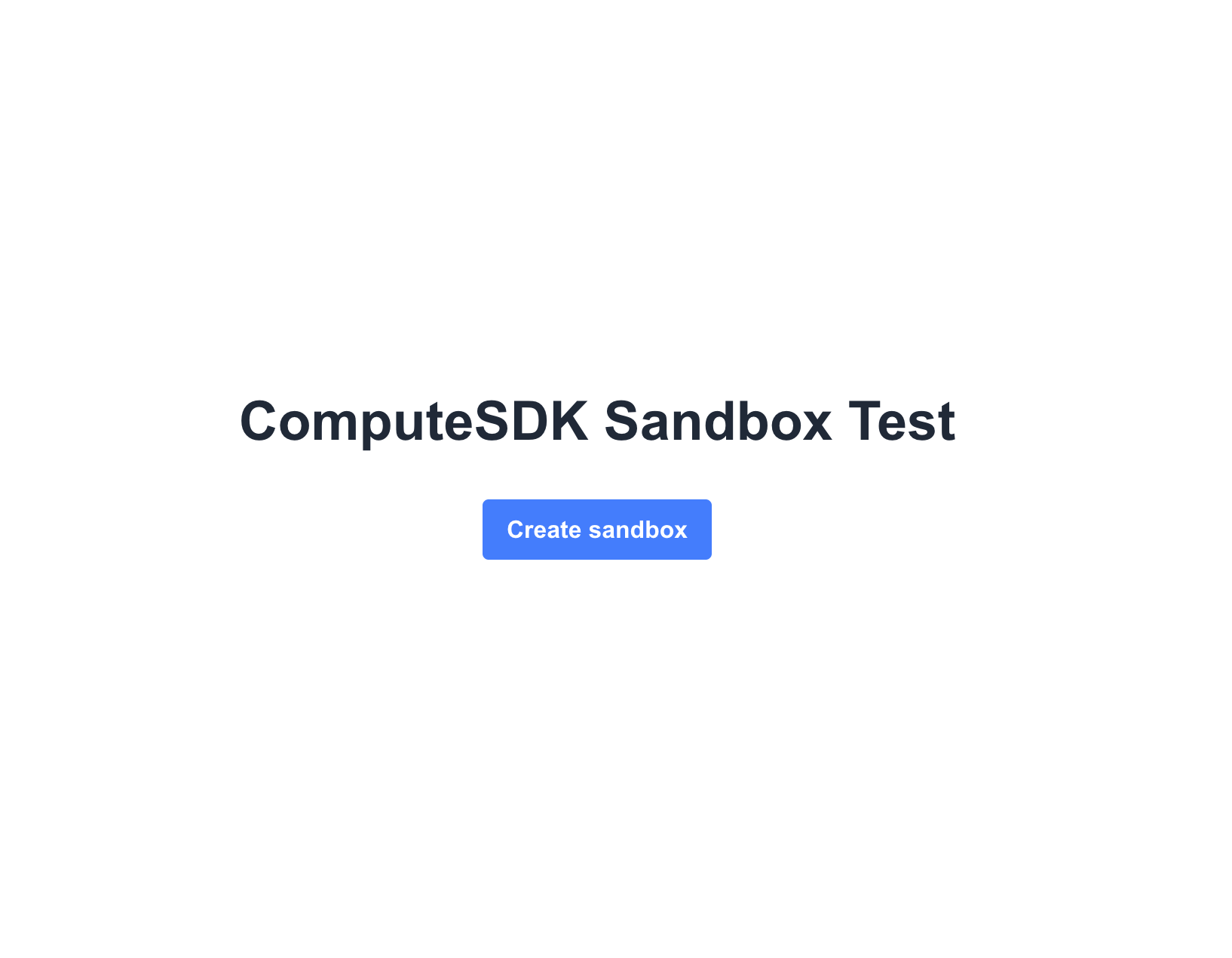
Then check your CodeSandbox dashboard.
You should see a new sandbox created!
Success!
You’ve successfully created your first CodeSandbox sandbox
If you want to use another sandbox provider like E2B or Vercel, swap the import and factory call — install @computesdk/e2b and use import { e2b } from '@computesdk/e2b' instead, with that provider’s own credentials. The rest of your code (runCommand, filesystem, getUrl) stays the same — that’s the point of the universal Sandbox interface.
Making changes within the sandbox
Now, let’s take the next step and run a primitive Vite app inside of our sandbox as an example of what we are able to do within the sandbox itself.
Update /api/sandbox/route.ts
Add the following to your route.ts file directly below this in your code:
const sandbox = await compute.sandbox.create();Create a basic Vite app inside our sandbox subfolder
// Scaffold Vite React app
await sandbox.runCommand('npm create vite@5 app -- --template react');
Use the writeFile method
Customize the vite.config.js so we can access the local dev server.
// Custom vite.config.js to allow access to sandbox at port 5173
  const viteConfig = `import { defineConfig } from 'vite'
  import react from '@vitejs/plugin-react'

  export default defineConfig({
    plugins: [react()],
    server: {
      host: '0.0.0.0',
      port: 5173,
      strictPort: true,
      hmr: false,
      allowedHosts: ['.csb.app', '.codesandbox.io', 'localhost', '127.0.0.1'],
    },
  })
  `;
  await sandbox.filesystem.writeFile('app/vite.config.js', viteConfig);
Run npm install using the runCommand method
cwd is an optional per-call override — if you don’t pass one, commands run in whatever CodeSandbox’s own sandbox default working directory is. We pass cwd: 'app' here simply because that’s the subfolder we just scaffolded the Vite project into.
  // Install dependencies
  await sandbox.runCommand('npm install', {
    cwd: 'app',
  })
Start local dev server in the background with runCommand
  // Start dev server
  sandbox.runCommand('npm run dev', {
    cwd: 'app',
  });
Use the getUrl method to get a preview URL
  // Get preview URL
  const url = await sandbox.getUrl({ port: 5173 });
  console.log('previewUrl:', url)
CodeSandbox’s preview URLs follow the pattern https://<sandbox-id>.<cluster>.csb.app:<port> — a CodeSandbox domain, not a shared ComputeSDK one.
Return the preview url along with the sandboxId
  return NextResponse.json({
    sandboxId: sandbox.sandboxId,
    url,
  });
Finished route.ts file
Your /app/api/sandbox/route.ts file should look like this now:
import { NextResponse } from 'next/server';
import { codesandbox } from '@computesdk/codesandbox';

const compute = codesandbox({
  apiKey: process.env.CSB_API_KEY,
});

export async function POST() {

  const sandbox = await compute.sandbox.create();

  // Create basic Vite React app
  await sandbox.runCommand('npm create vite@5 app -- --template react');

  // Custom vite.config.js to allow access to sandbox at port 5173
  const viteConfig = `import { defineConfig } from 'vite'
  import react from '@vitejs/plugin-react'

  export default defineConfig({
    plugins: [react()],
    server: {
      host: '0.0.0.0',
      port: 5173,
      strictPort: true,
      hmr: false,
      allowedHosts: ['.csb.app', '.codesandbox.io', 'localhost', '127.0.0.1'],
    },
  })
  `;
  await sandbox.filesystem.writeFile('app/vite.config.js', viteConfig);

  // Install dependencies
  await sandbox.runCommand('npm install', {
    cwd: 'app',
  })

  // Start dev server
  sandbox.runCommand('npm run dev', {
    cwd: 'app',
  });

  // Get preview URL
  const url = await sandbox.getUrl({ port: 5173 });
  console.log('previewUrl:', url)

  return NextResponse.json({
    sandboxId: sandbox.sandboxId,
    url,
  });
}
Testing Vite app inside sandbox
Now, after you click the “Create CodeSandbox Sandbox” button on your localhost homepage you should:
- See a new sandbox created in your CodeSandbox dashboard.
- See a preview URL logged to your terminal, in the form
https://<sandbox-id>.<cluster>.csb.app:5173. - Finally, if you visit that URL you should see the boilerplate Vite React app running in your CodeSandbox sandbox!
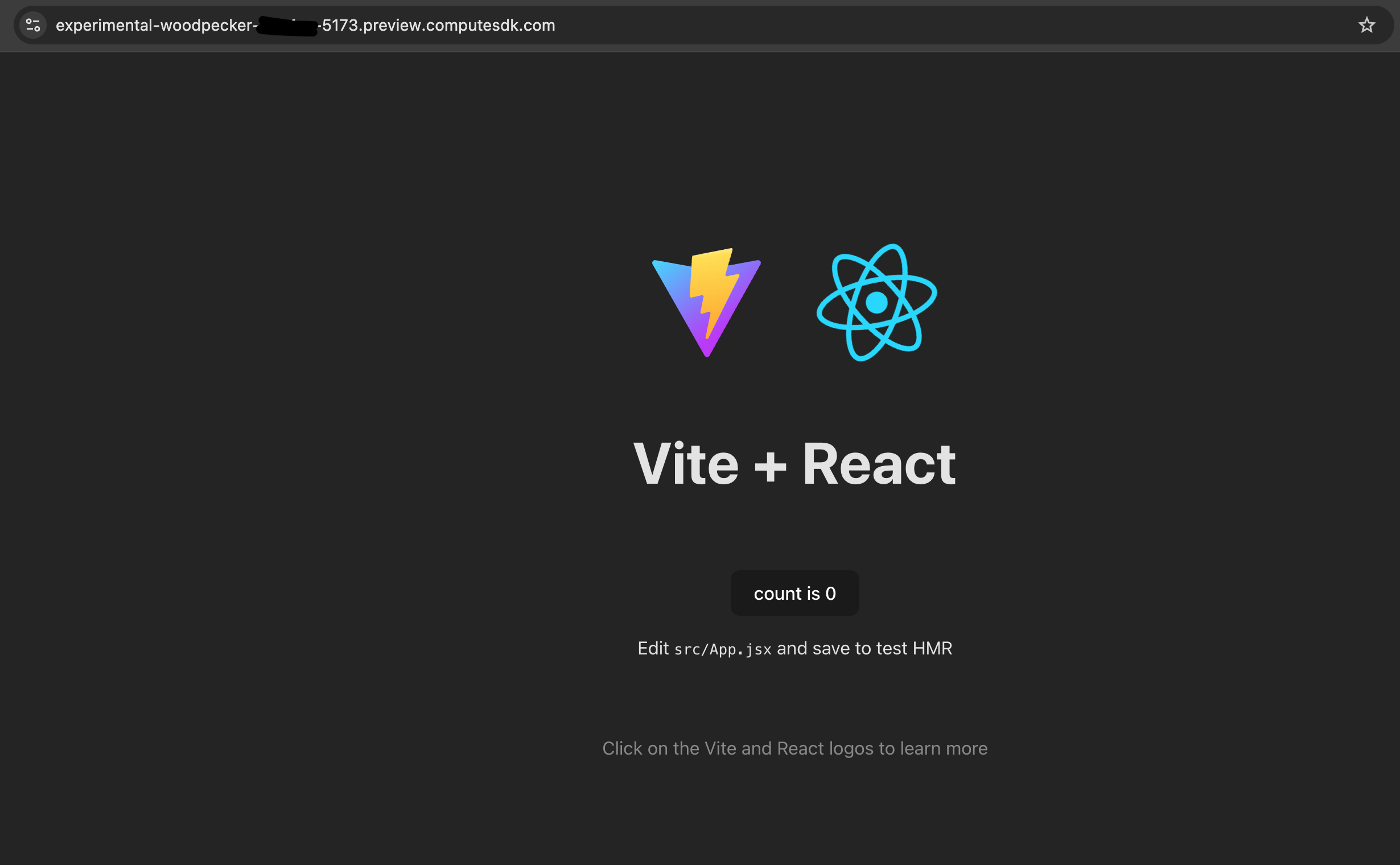
Congrats! You’ve successfully created your first sandbox application
You have done the following:
- created a CodeSandbox sandbox with ComputeSDK
- used our runCommand, writeFile, and getUrl methods (these work with any provider)
- ran a Vite app inside the sandbox
- accessed the app running within the sandbox through its preview URL
ComputeSDK makes it easy to standardize this process across providers.
So now that you’ve written this code in CodeSandbox, you can easily adjust this code to run in any sandbox provider.
Happy Sandboxing!
Have questions?
Want to be added as a provider?
Reach out to us at [email protected]